USER TRAINING (not QA smoke).
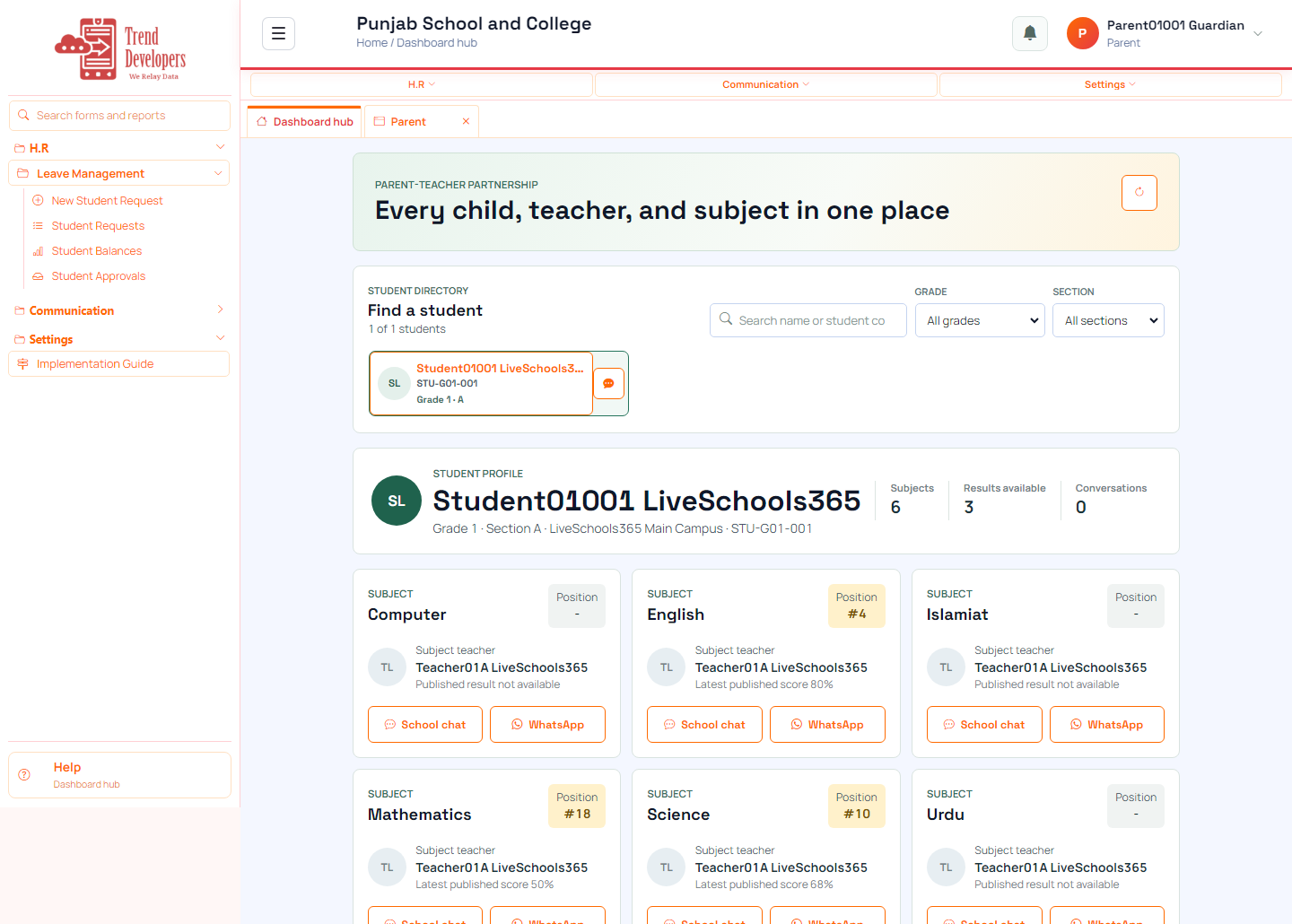
Follow your child’s school life: dashboard, parent connect, and notices.
You sign in as a guardian to follow your child's engagement view and school communications linked to your family account.
/school-management-software-loginparent.g01.001@liveschoolLiveSchool@123/implement/parentMain task: See your linked children’s summary
Why: Parent home shows engagement and shortcuts for each linked student.
Menu: Home → Dashboard
Route: /app
How to:
Practice:
Expected: After this step, “See your linked children’s summary” is true on the live system, and the Implementation Guide step “Open the parent home” can be Mark done.
Mistakes:
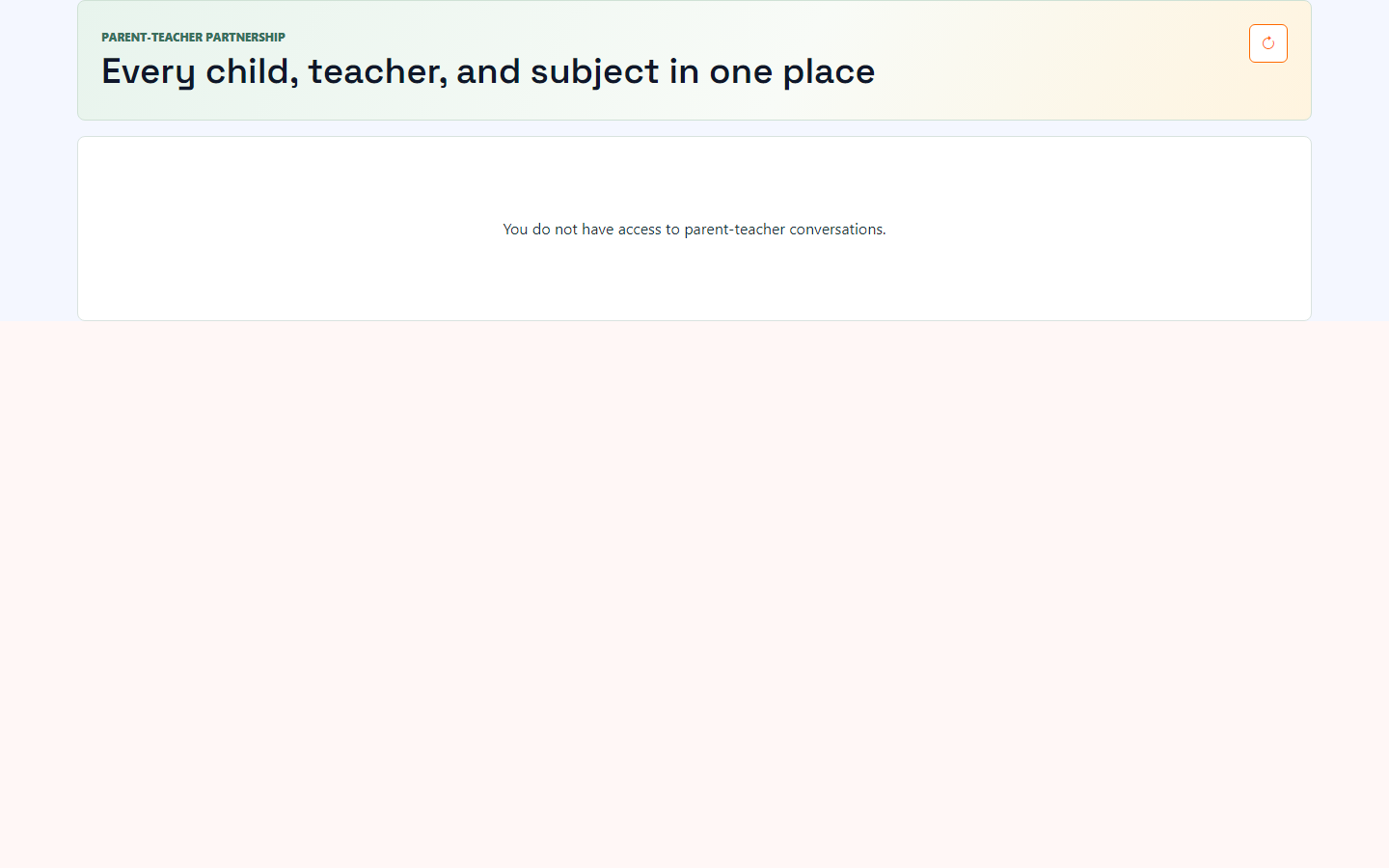
Main task: Message teachers without sharing personal numbers
Why: Conversations stay on the student record for the school.
Menu: Communication → Parent-Teacher Connect
Route: /parent-engagement
How to:
Practice:
Expected: After this step, “Message teachers without sharing personal numbers” is true on the live system, and the Implementation Guide step “Parent-Teacher Connect” can be Mark done.
Mistakes:
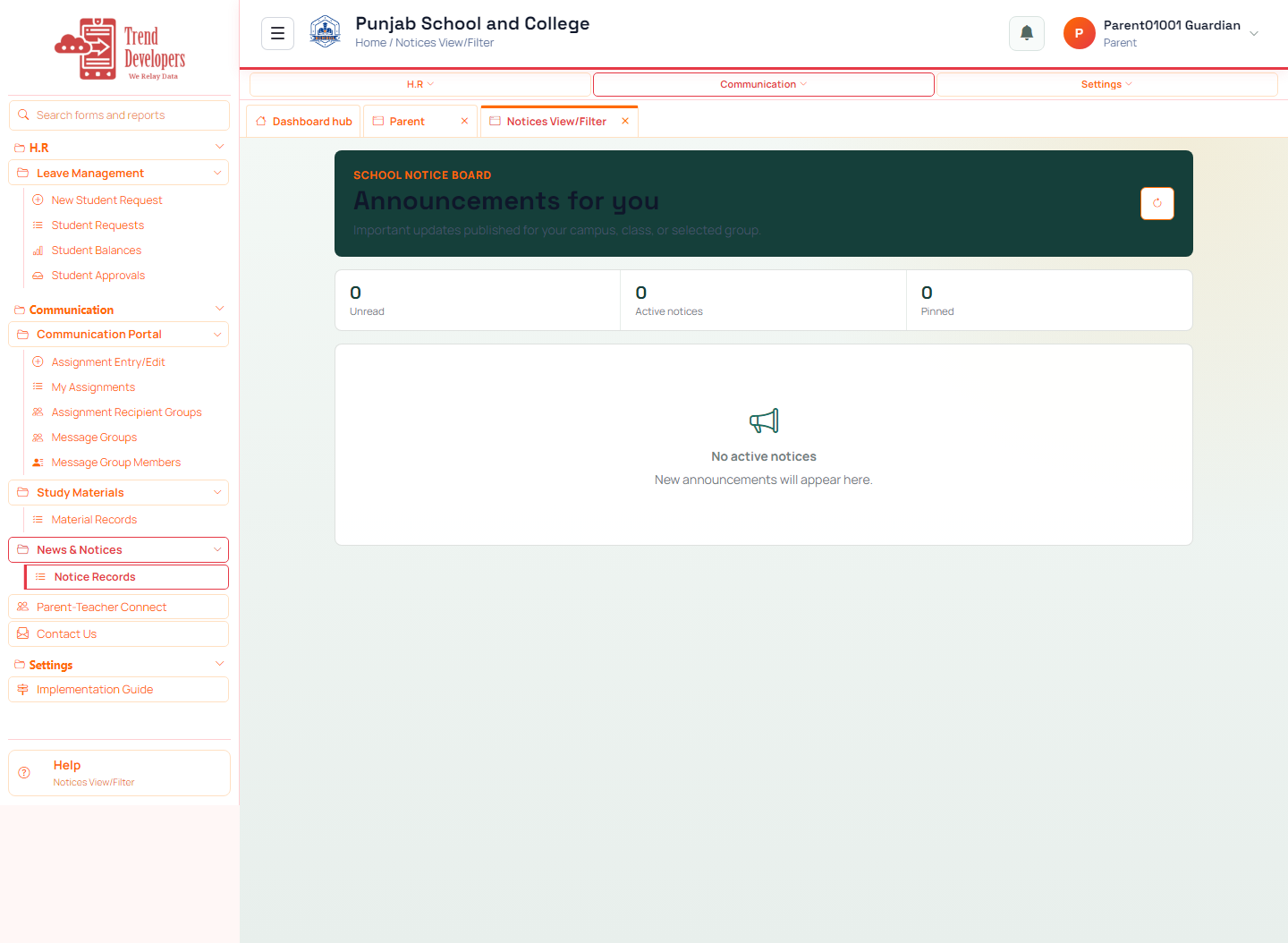
Main task: Receive official school announcements
Why: Notices keep families aligned without informal chat groups only.
Menu: Communication → News & Notices → Records
Route: /notices/records
How to:
Practice:
Expected: After this step, “Receive official school announcements” is true on the live system, and the Implementation Guide step “Read school notices” can be Mark done.
Mistakes:
Q: What is the first main task on the Parent track?
A: See your linked children’s summary
Q: Which menu path opens “Open the parent home”?
A: Home → Dashboard
Q: Why does “Parent-Teacher Connect” matter?
A: Conversations stay on the student record for the school.
Q: What happens if you finish a live form but do not Mark done?
A: Later Implementation Guide steps stay locked / progress is incomplete.
Q: Demo username for this kit?
A: parent.g01.001@liveschool