LiveSchools365 Role Training Kit — Shop
Trainer-grade · 2026-09-23 · ~15 min · https://liveschools365.com
USER TRAINING (not QA smoke).
1. Purpose
Run the school counter: POS sales, inventory impact, and sales reports.
Business scenario
The school shop is open for sales. You open Shop, record or review a sale, and confirm inventory impact is visible.
Learning outcomes
- Complete the Shop Implementation Guide track end-to-end (~15 minutes).
- Run the school counter: POS sales, inventory impact, and sales reports.
- Use official menu paths instead of informal messaging for auditable school work.
- Know when to Mark done and how to resume from /implement or Trial Journey.
2. Sign in
- Login:
/school-management-software-login - User:
shop@liveschool - Password:
LiveSchool@123 - Guide:
/implement/shop
3–4. Guided workflows
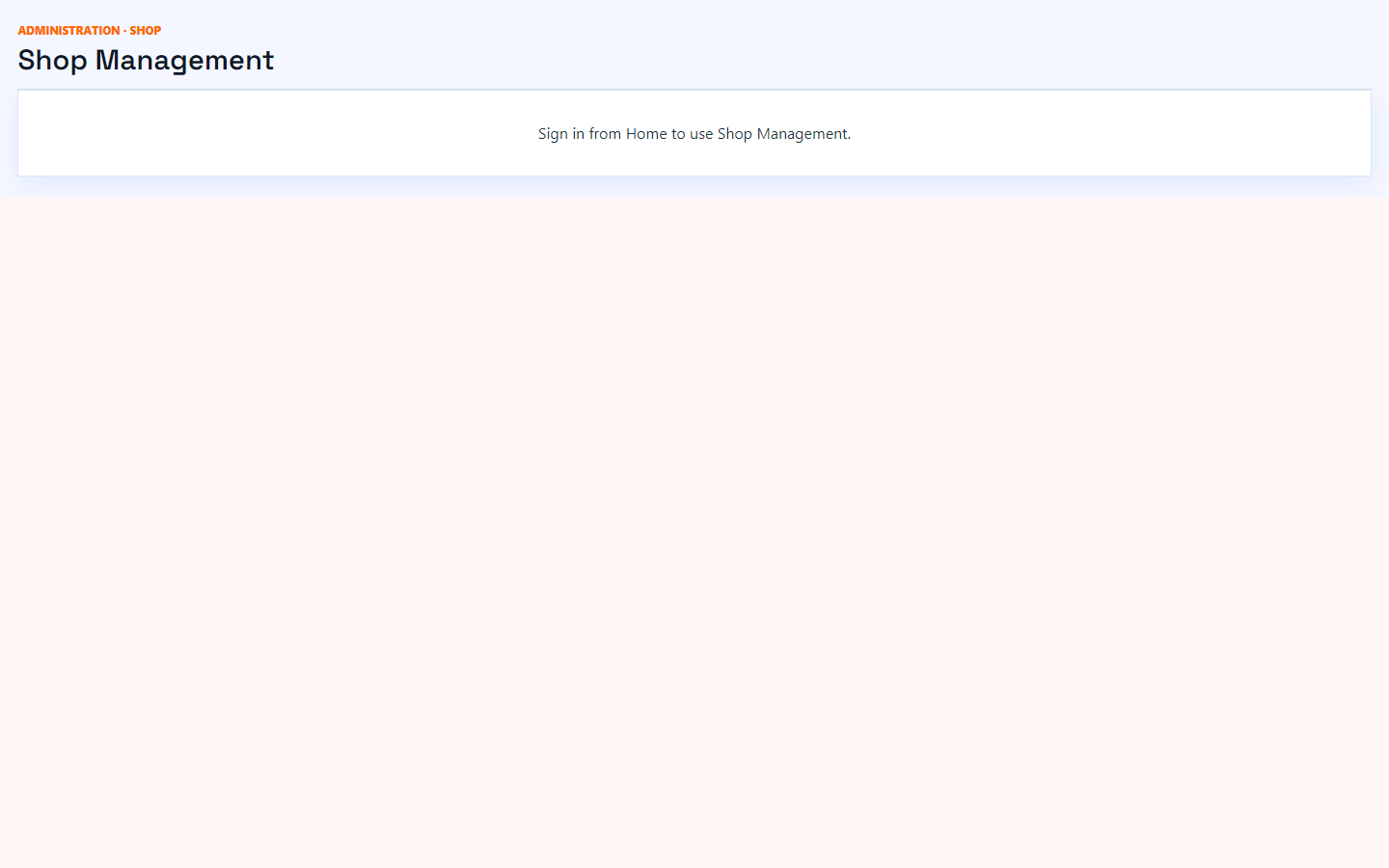
4.1 Open Shop Management
Main task: Reach the school counter workspace
Why: Shop sells from warehouse quantities maintained in Store.
Menu: Purchase / Store / Shop → Shop
Route: /shop
How to:
- Open Shop from the menu or dashboard hub.
- Note sales and stock attention items.
- Mark done.
Practice:
- Open live form: /shop
- Follow menu path: Purchase / Store / Shop → Shop
- Practice: open sales list; review one paid invoice if present
Expected: After this step, “Reach the school counter workspace” is true on the live system, and the Implementation Guide step “Open Shop Management” can be Mark done.
Mistakes:
- If this step is skipped: Shop sells from warehouse quantities maintained in Store.
- Using WhatsApp instead of the official form — the audit trail will be missing.
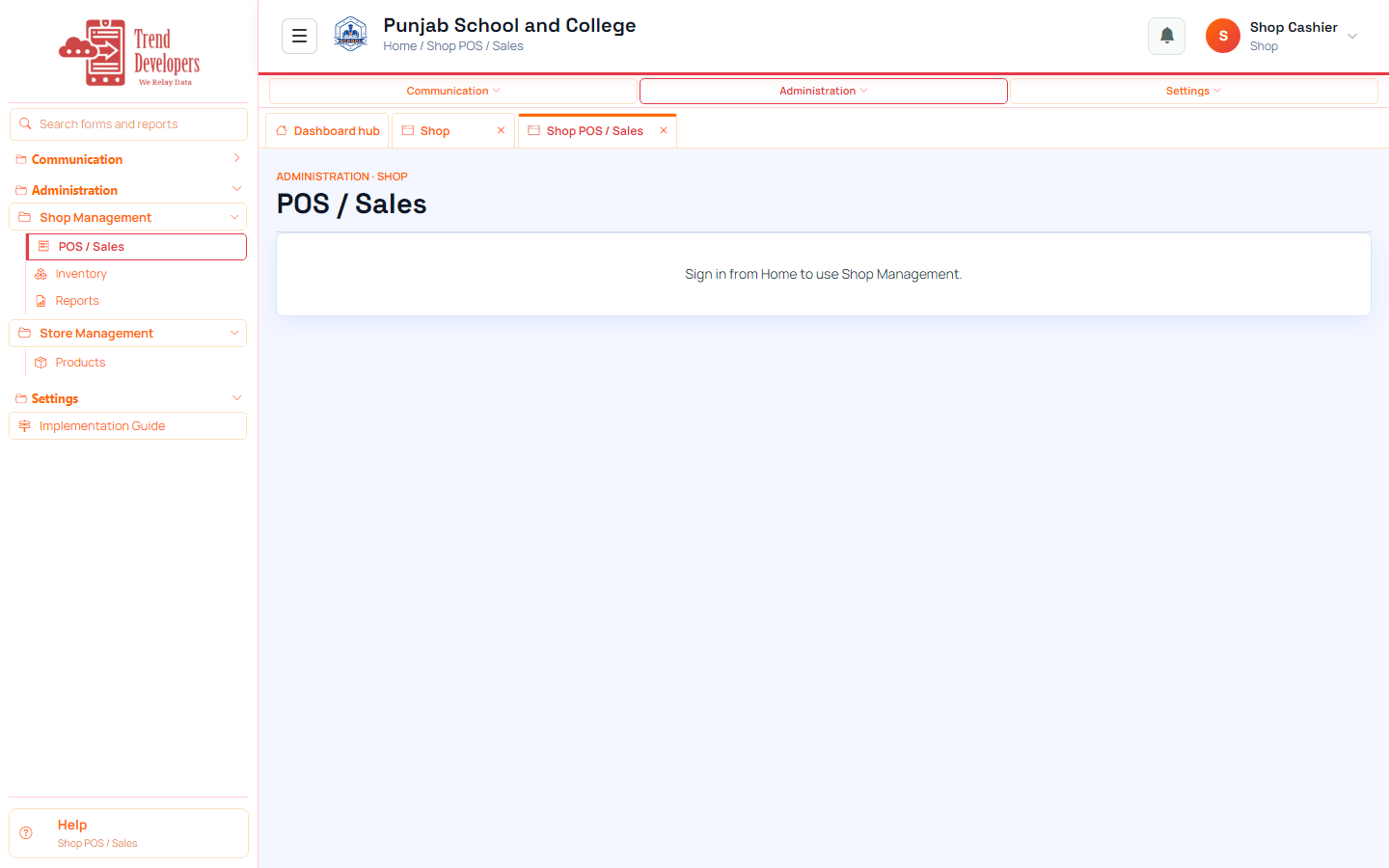
4.2 Record a practice sale
Main task: Complete a point-of-sale transaction
Why: Sales reduce available stock and create a receipt trail.
Menu: Purchase / Store / Shop → Shop → Sales
Route: /shop/sales
How to:
- Open Shop → Sales.
- Add a line for a stocked product.
- Complete payment and save.
- If stock is empty, Skip after confirming inventory first.
- Mark done.
Practice:
- Open live form: /shop/sales
- Follow menu path: Purchase / Store / Shop → Shop → Sales
- Practice: open sales list; review one paid invoice if present
Expected: After this step, “Complete a point-of-sale transaction” is true on the live system, and the Implementation Guide step “Record a practice sale” can be Mark done.
Mistakes:
- If this step is skipped: Sales reduce available stock and create a receipt trail.
- Using WhatsApp instead of the official form — the audit trail will be missing.
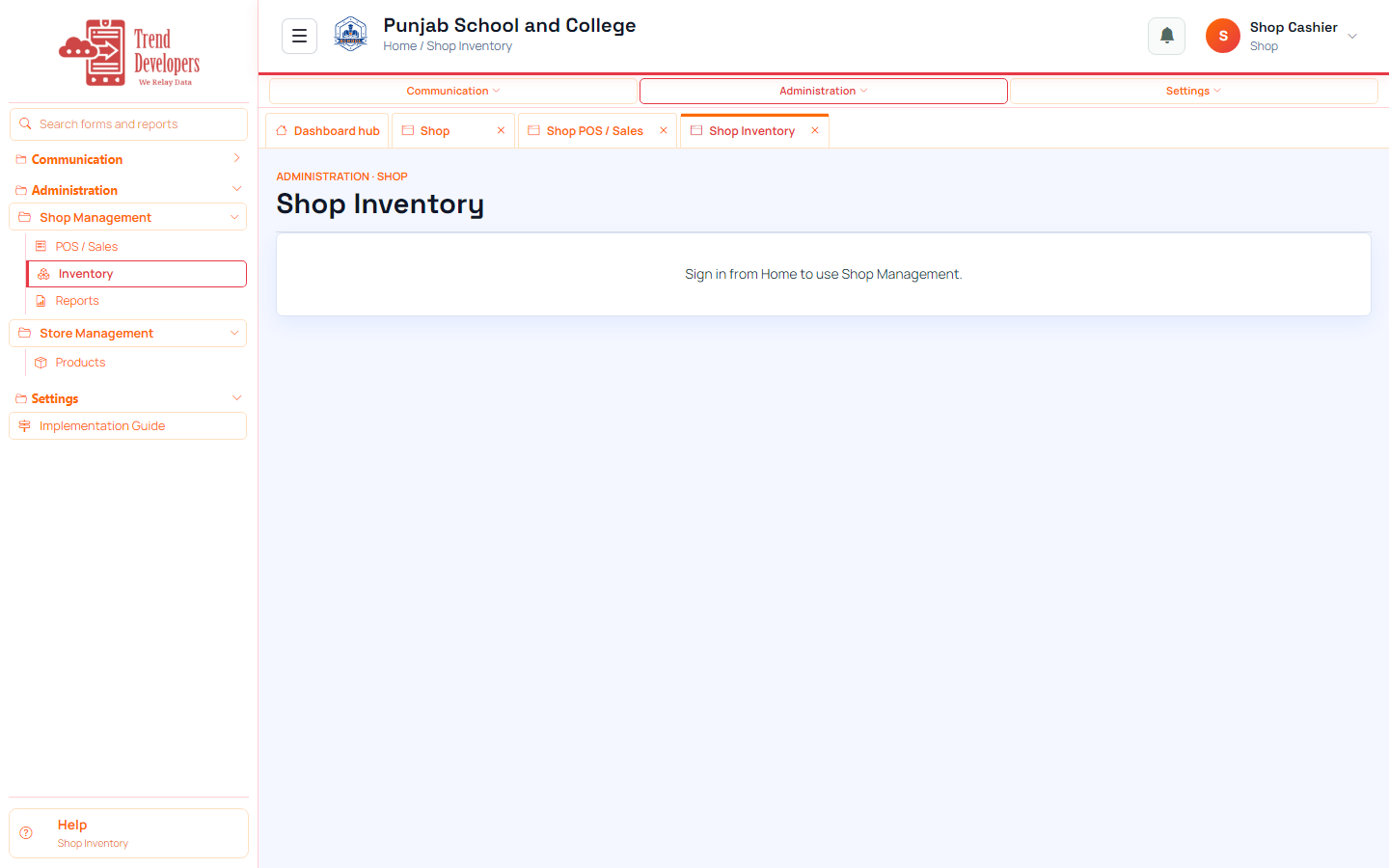
4.3 Check shop inventory
Main task: Confirm quantities after the sale
Why: Shop inventory reflects counter availability.
Menu: Purchase / Store / Shop → Shop → Inventory
Route: /shop/inventory
How to:
- Open Shop → Inventory.
- Find the product you sold.
- Confirm quantity changed.
- Mark done.
Practice:
- Open live form: /shop/inventory
- Follow menu path: Purchase / Store / Shop → Shop → Inventory
- Practice: open sales list; review one paid invoice if present
Expected: After this step, “Confirm quantities after the sale” is true on the live system, and the Implementation Guide step “Check shop inventory” can be Mark done.
Mistakes:
- If this step is skipped: Shop inventory reflects counter availability.
- Using WhatsApp instead of the official form — the audit trail will be missing.
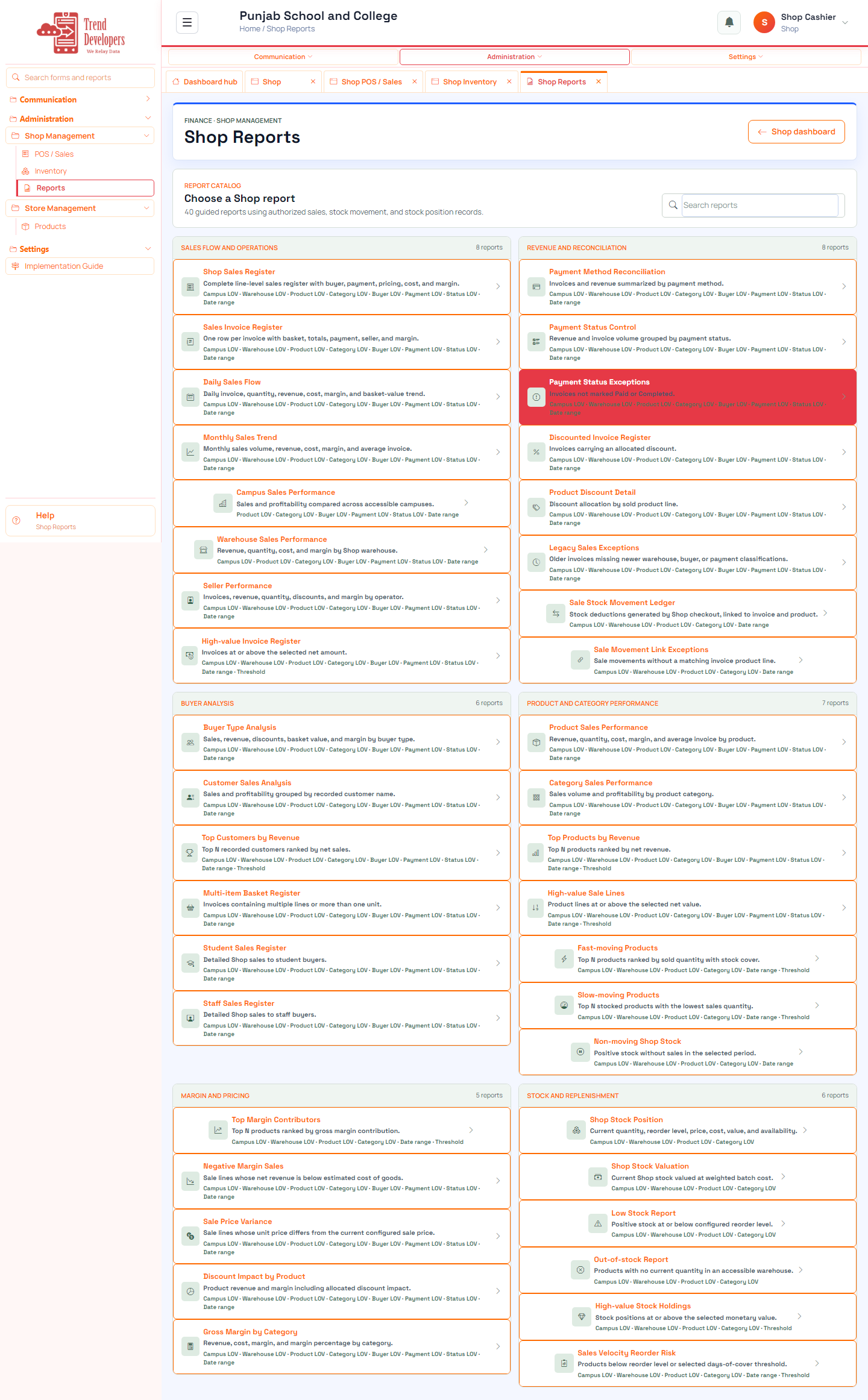
4.4 Run a shop report
Main task: Print sales activity
Why: Shop reports are the counter’s audit print.
Menu: Purchase / Store / Shop → Shop → Reports
Route: /shop/reports
How to:
- Open Shop reports.
- Run a sales listing for today.
- Mark done.
Fields:
- Report parameters — Define the authorized Shop sales or stock population.
- Export to Excel — Download the generated result with branding, metadata, parameters, and rows.
- Report parameters — Define the authorized Store population and analysis scope.
- Export to Excel — Download the generated result with branding, metadata, parameters, and rows.
- Inquiry date — Record when the family first contacted the school.
Practice:
- Open live form: /shop/reports
- Follow menu path: Purchase / Store / Shop → Shop → Reports
- Practice: open sales list; review one paid invoice if present
Expected: After this step, “Print sales activity” is true on the live system, and the Implementation Guide step “Run a shop report” can be Mark done.
Mistakes:
- If this step is skipped: Shop reports are the counter’s audit print.
- Using WhatsApp instead of the official form — the audit trail will be missing.
5. Capstone checklist
- □ Open Shop Management
- □ Record a practice sale
- □ Check shop inventory
- □ Run a shop report
6. Knowledge check
Q: What is the first main task on the Shop track?
A: Reach the school counter workspace
Q: Which menu path opens “Open Shop Management”?
A: Purchase / Store / Shop → Shop
Q: Why does “Record a practice sale” matter?
A: Sales reduce available stock and create a receipt trail.
Q: What happens if you finish a live form but do not Mark done?
A: Later Implementation Guide steps stay locked / progress is incomplete.
Q: Demo username for this kit?
A: shop@liveschool
7. Video