Cloud based
Access admissions, attendance, fees, and exams from any browser — no campus-only install.
Access admissions, attendance, fees, and exams from any browser — no campus-only install.
Teachers, finance, and parents each see only what their role needs.
Mark attendance between classes and let parents check fees and results on a phone.
One student record updates attendance, the fee ledger, exams, and the parent portal.
Your finance officer is entering the same student's name into a third spreadsheet this week. A class teacher updates a paper register, then retypes it into Excel. A parent rings the front desk because nobody told them their child missed three consecutive classes. These are not edge cases. They are the daily cost of data living in separate places with no way to talk to each other.
An SIS is a single source of truth for every piece of data a school generates about students, staff, and operations. It is not a digitised filing cabinet. Well-designed SIS systems for schools admit a student once, then attendance, fees, timetable, exams, and the parent portal update from that entry with no manual re-entry and no end-of-term reconciliation.
A database answers “is this stored somewhere?” A connected system answers “when this changes, does everything that depends on it update?” Those two questions produce very different outcomes for your staff.
Picture a school using three separate tools for admissions, attendance, and fees. Every enrolment creates three records. A mid-term transfer has to be remembered in all three. A fee audit then fails to match the admissions list, and accounts spends days reconciling. The cost is not only lost hours. It is errors that surface at the worst possible moments.
A polished demo can make any platform look capable. Score SIS systems for schools against these six checks from the article, then press on connected workflows, mobile parent access, and where the data is hosted.
When evaluating student management software, skipping any of these creates a gap your staff will fill with yet another spreadsheet.
Centralised profiles with guardian contacts, documents, and enrolment history. Longitudinal student records so academic history is not hunted across yearly files. Attendance beyond a tick: period marking, absence categories, trends, and parent alerts when absences cross a threshold.
A fee balance should be visible alongside an exam result. Payroll should pull the same staff records that appear in the timetable. Confirm multiple fee structures, payment tracking, challan generation, and local payment methods before you sign. Exams need grade entry, report cards, and transcripts.
A parent portal is not a luxury add-on. Families need attendance, fee status, results, and notices on a phone. In 2026, expecting them to call the front desk for a fee balance is no longer acceptable. Missing this feature shifts the entire communication burden onto admin staff.
When a student is admitted, the record should be live across attendance, the fee ledger, the timetable, exams, and the parent portal. LiveSchools365 is designed so office staff are not re-entering names during enrolment season.
A student admitted today becomes part of attendance, fees, classes, exams, communication, and reporting without duplicate setup.
The finance officer sees balances and exceptions. The teacher sees the register. The parent sees only their child. Nobody navigates menus built for someone else's job.
Leadership sees overdue collections, incomplete attendance, and waiting approvals in one view, not raw totals that still need a report.
Staff and parents in Pakistan use phones. Teachers mark attendance between classes. Parents check a result or a fee instalment in a few taps.
Dense operational views stay efficient on desktop. Priority actions and readable records adapt to mobile so adoption is not limited to the front office PC.
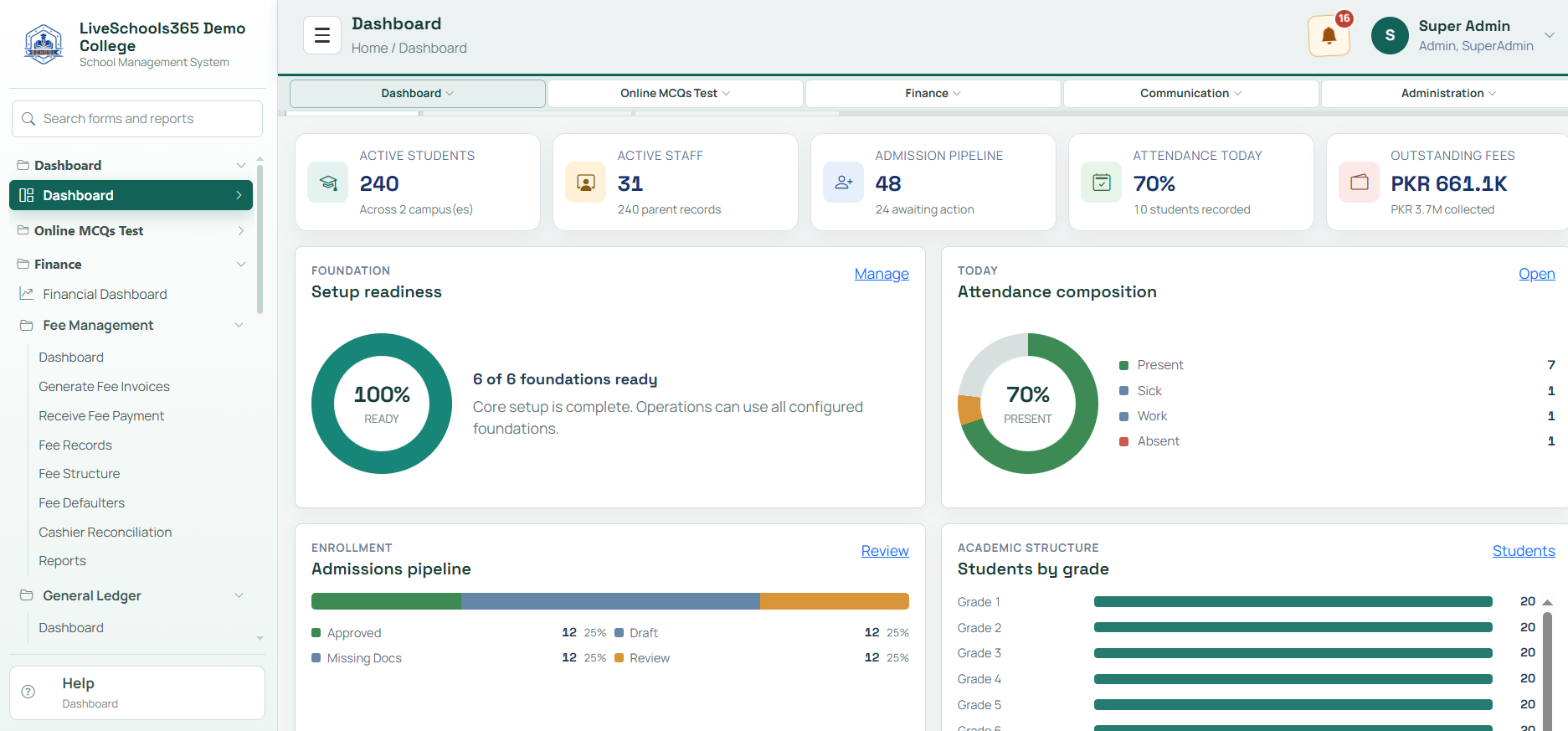
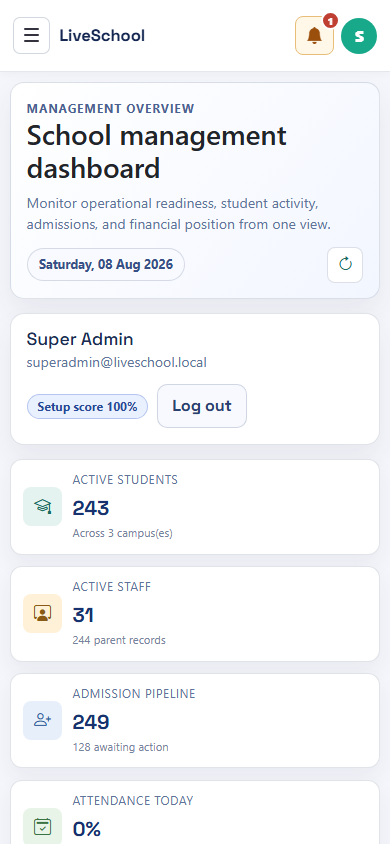
Ask these before you sign. They reveal how the system behaves under the conditions your school operates in every day.
Under Pakistan’s draft Personal Data Protection Bill, critical personal data must be processed on servers located within Pakistan. Require access controls, audit logs, and a written data-processing agreement. Establish a parent privacy notice that explains what is collected, how it is used, and who can access it.
Administrators often stall at procurement because they are unsure what implementation involves. The heaviest lift is almost never the software itself. It is data cleaning.
Phases: data audit and cleansing, configuration, test migration, staff training, parallel run, then go-live. A single-campus school with a straightforward setup can expect 4 to 8 weeks. A medium institution with payroll and years of history should plan 8 to 16 weeks. Schools that underestimate data cleaning arrive at go-live with errors already baked in.
Going live without a test migration. Training only IT while teachers, registrars, and accounts are left to guess. Cutting off the old process before confidence exists. Keep the legacy system during a short parallel run. Involve department leads in data validation. The people closest to the data spot errors an IT review will miss.
All Premium package modules are listed below. LiveSchools365 is built for SIS systems for schools that need admissions, attendance, exams, fees, and parent communication in one product. Open any module for workflow tutorials.
Use this checklist, walk the solution tour, or read the dedicated SIS systems for schools page. Then trial the workflows with demonstration data before you subscribe.
SIS means student information system. SIS systems for schools keep one learner record for admissions, attendance, exams, fees, payroll, and parent communication so staff are not maintaining parallel spreadsheets.
Storing data is not connecting data. LiveSchools365 is built so an admission updates attendance, fees, timetable, exams, and the parent portal from one entry.
Plan 4 to 8 weeks for a straightforward single campus, or 8 to 16 weeks where payroll and historical data need cleaning. Data cleansing is usually longer than software configuration.
Yes. Start a 14-day trial and walk the Trial Journey through the 22 Premium modules. Compare Core, Standard, and Premium pricing when the package is clear, or book a 30-minute demonstration.